If you’ve been on the server a while you may remember that one time an SSD overheated and died on us, leading to me restoring worlds from a backup.
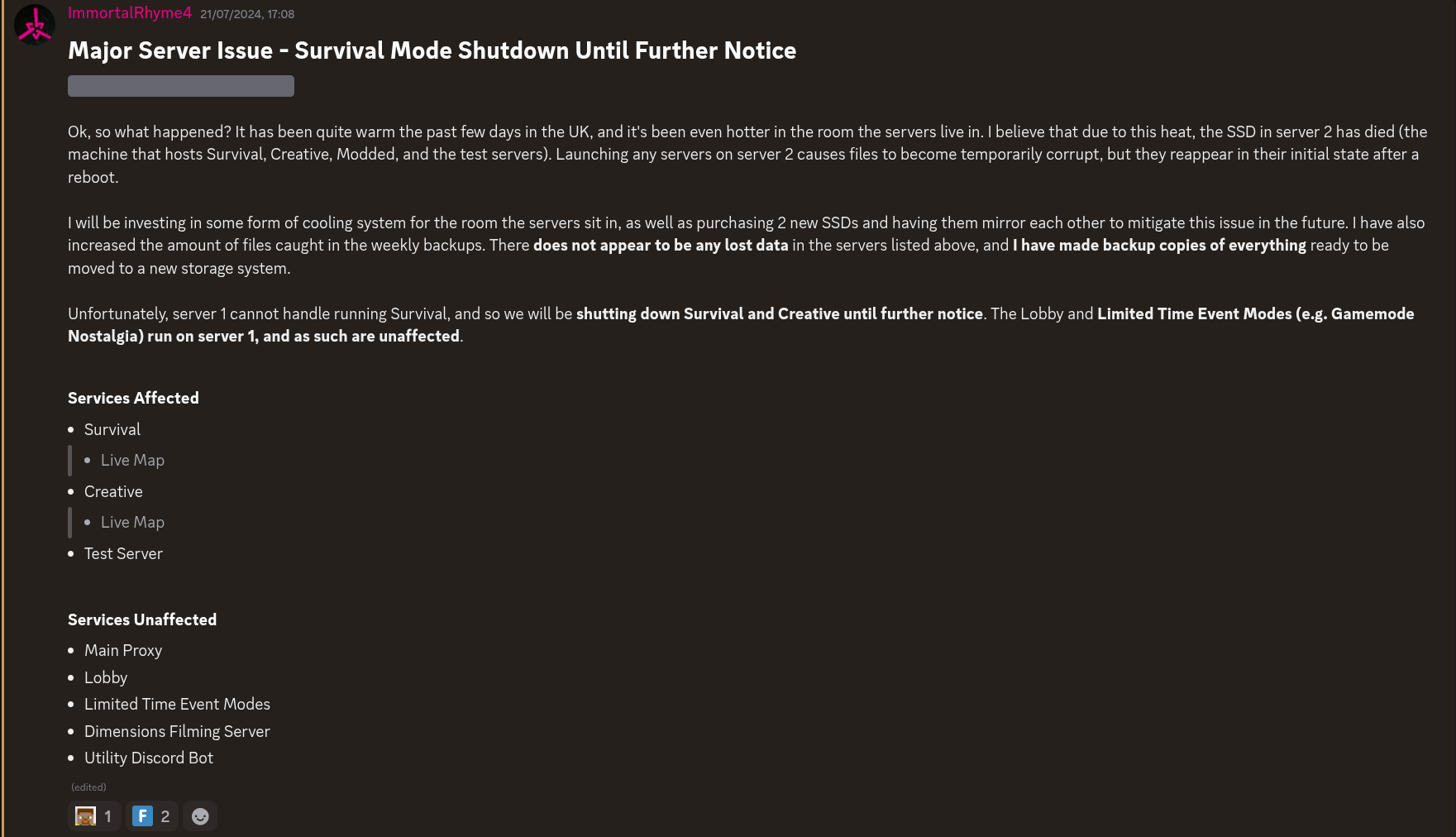
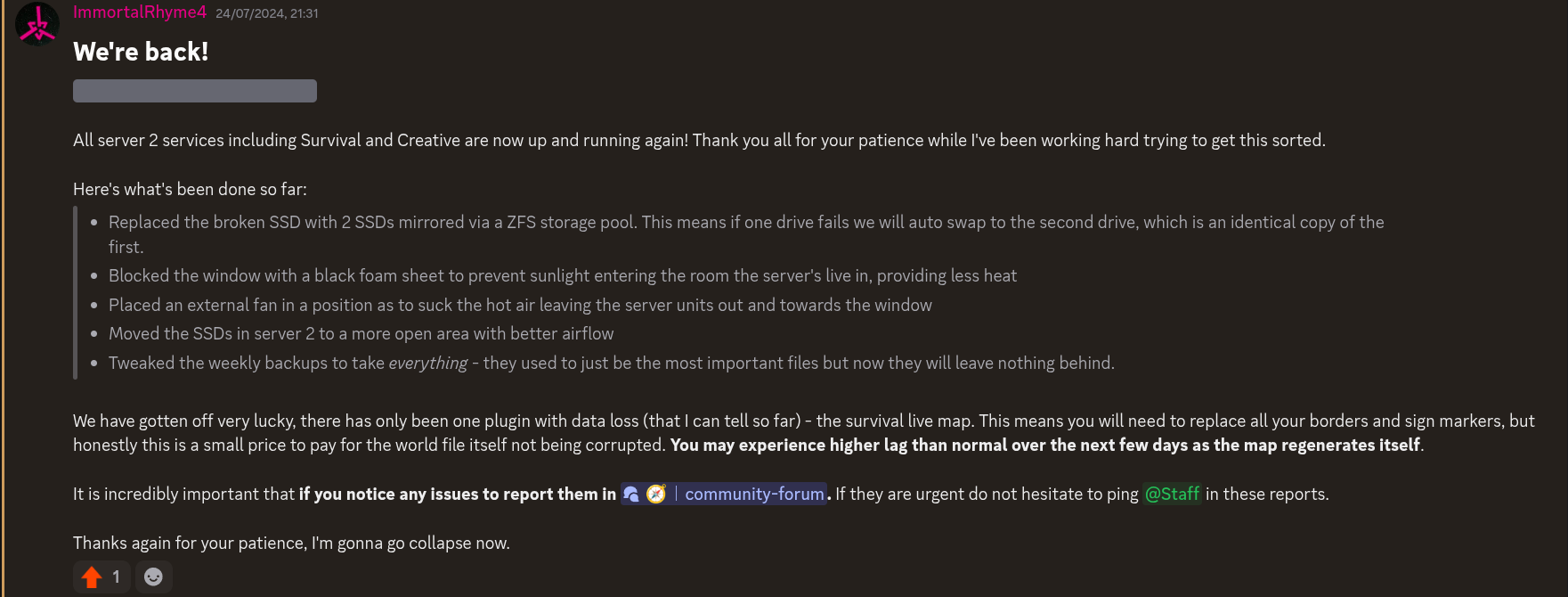
So, problem solved right? Apparently WRONG! (comical buzzer sound). Recently we had a server crash, which was seemingly random. Upon further inspection of the logs, it certainly was not random.
If you want to see the error, here it is: https://pastebin.com/dbavarq3. After sifting through this for a while, I eventually found that I can’t read walls of texts and asked AI (yes ik ik - AI bad) what the cause was. The AI wasn’t very helpful but it did point me to UnixFileDispatcherImpl.write0, which peaked my interest.
Searching online for this brought me to this post, where it was suggested the error is likely caused by the server taking too long to save data, likely due to slow I/O speeds. But, if we look at server 2’s hardware we can see the server is running on Patriot P210 SSDs which run at read and write. Running dmesg | grep SATA on server 2 tells me my SATA cables can facilitate up to . These are actually different units so let’s convert gigabits (Gb) to gigabytes (GB) by dividing by 8 to get . Hmm ok. Maybe I read something wrong? Is SATA really that slow?
In any case, a bottleneck should be more than enough for a minecraft server. You’re only saving at most per operation surely? And according to the minecraft wiki the optimal setup is only sending , so I can’t imagine the read/write speed would need to be more than 100 times that. So what gives?
I run these SSDs across a ZFS storage pool, which has it’s own read/write speeds. So let’s check those using zpool iostat 1, which checks how much data has been read or written in the last second, giving a new number every second. It’s not an ideal way of measuring it as it doesn’t give us an absolute maximum read/write speed. When I ran this I only saw every few seconds it writing about in that single second, and so the only solid number this can give me is a write speed of .
Since this command didn’t really help, I kept searching online and further reading suggested that for optimal usage of ZFS pools you want SSDs with DRAM and, well, uhm… the Patriot P210 SSDs has no DRAM. Oops. What I found was that (in very simplified terms) DRAM essentially stores the SSD cache, and a DRAMless SSD will use the system RAM as cache instead, which reduces the read speed of the device (from The SSD Review). This is actually completely independent of the ZFS pool itself, it’s just that ZFS already uses the system RAM so the SSDs also using it creates more RAM useage.
I also learnt about stuff called ZIL and SLOG, which are actually very important for the ZFS pool setup and read/write performance. From TrueNAS Documentation:
A synchronous write is only reported as successful to the application that requested it when the underlying disk has confirmed completion of it. Synchronous write behavior is determined by either the file being opened with the
O_SYNCflag set by the application, or the underlying file systems being explicitly mounted in synchronous mode. Synchronous writes are desired for consistency-critical applications such as databases and some network protocols such as NFS but come at the cost of slower write performance.
Given the choice between the performance of asynchronous writes with the integrity of synchronous writes, a compromise is achieved with the ZFS Intent Log or ZIL. Think of the ZIL as the street-side mailbox of a large office: it is fast to use from the postal carrier perspective and is secure from the office perspective, but the mail in the mailbox is by no means sorted for its final destinations yet. When synchronous writes are requested, the ZIL is the short-term place on disk where the data lands prior to being formally spread across the pool for long-term storage at the configured level of redundancy.
By default, the short-term ZIL storage exists on the same hard disks as the long-term pool storage at the expense of all data being written to disk twice: once to the short-term ZIL and again across the long-term pool.
Because each disk can only perform one operation at a time, the performance penalty of this duplicated effort can be alleviated by sending the ZIL writes to a separate ZFS intent log or SLOG, or simply log.
The optimal SLOG device is a small, flash-based device such an SSD or NVMe card, thanks to their inherent high-performance, low latency and of course persistence in case of power loss.
So basically, the ZFS pool has to write a temporary file to the SSD so it knows what file to sync across the pool, and then write the file again to both SSDs but properly this time. And since drives can only do one thing at a time, this essentially at least halves the write speed. So setting this temporary storage to be on a separate small SSD means the operations can happen quicker? I think that’s what this is saying.
Why didn’t I know this when setting up the ZFS pool originally? Because I was rushing a solution out the door to get the server back up and running. In hindsight I should’ve properly researched everything I was doing, but oh well, that’s the past now and present me has to deal with it instead.
So, a quick tl;dr: We are having read/write speed issues that, on paper, shouldn’t be happening. When looking into the hardware I found: the SSDs are DRAMless, meaning they utilise system RAM as cache, slowing the read speed down; and the ZFS pool must write to these SSDs twice per change, slowing down write speed. So changing the SSDs and setting up a SLOG correctly for the ZFS pool will increase both read and write speeds of the SSDs.
Looking back on the myriad of corruption issues we’ve seen on the modded worlds, this could be a likely cause. Given the modpacks were unoptimised to shit the much heavier load than vanilla revealed this read/write speed issue more relevantly, resulting in terrible tps, frequent crashes, and chunks not saving correctly. I think this is likely why we were having such a uniquely terrible experience on the Create: Astral pack that Fear was not able to replicate. And the reason we likely didn’t spot this sooner is due to all the other issues mods cause drowning out this one small error. Could this also tie into the mysterious network issues we’re having at the moment? Maybe.
I think, as part of future upgrade plans, I may look at swapping from SATA SSDs to NVMe SSDs, ensuring they have DRAM. Or just making more frequent backups and separating the current SSDs out of the ZFS pool. Which option I go with depends on how much money I have to go around. Suggestions on other ways of removing the single point failure without the read/write speeds being affected are welcome :)
I’m currently working on another post about the network issues, with some actual data, so stay tuned.